> ## Documentation Index
> Fetch the complete documentation index at: https://developer.box.com/llms.txt
> Use this file to discover all available pages before exploring further.
# Developer Tokens
export const MultiRelatedLinks = ({sections = []}) => {
if (!sections || sections.length === 0) {
return null;
}
return
;
};
export const Link = ({href, children, className, ...props}) => {
const localizedHref = localizeLink(href);
return
{children}
;
};
A Developer Token is an Access Token available to developers during development
and testing. These tokens are short lived, as they expire after 60 minutes, and
cannot be refreshed programmatically.
## Create Developer Token
To create a Developer Token for an application:
* Navigate to the Box [Developer Console][devconsole] and select the application to create a Developer Token for.
* Select the **Configuration** tab.
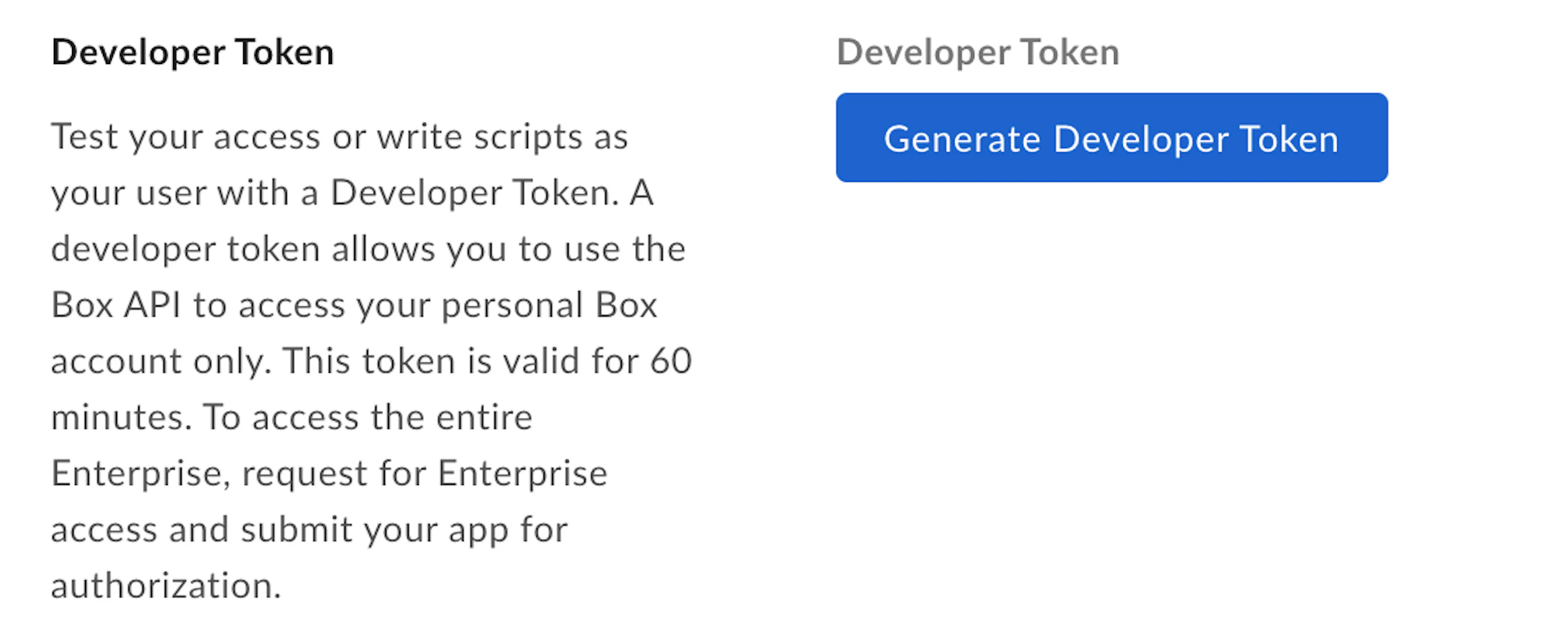
* Under Developer Token, select **Generate Developer Token**.
You can also generate a Developer Token directly from My Platform Apps
view, using the menu available for each app.
## Using Developer Token
A Developer Token can be used like any Access Token in the `Authorization`
header of an API call.
```sh theme={null}
curl https://api.box.com/2.0/users/me \
-H "authorization: Bearer [DEVELOPER_TOKEN]"
```
A Developer Token is associated with the user that is logged in to the
Developer Console when the token is generated.
Our SDKs can be initialized with a Developer Token to create a basic API client.
```sh theme={null}
curl https://api.box.com/2.0/users/me \
-H "authorization: Bearer [DEVELOPER_TOKEN]"
```
**Developer tokens should not be used in production environments**
Developer Tokens should only be used for development or testing purposes.
When you explicitly revoke a developer token for a given app via the
Developer console, all webhooks created by that application get deleted.
[devconsole]: https://app.box.com/developers/console
## Using SDKs and Developer Tokens
To learn more about Developer Tokens for each SDK head over to:
* [.Net][.Net]
* [Java][Java]
* [Python][Python]
* [Node][Node]
* [IOS][IOS]
[.Net]: https://github.com/box/box-windows-sdk-v2/blob/legacy/docs/authentication.md#developer-token
[Java]: https://github.com/box/box-java-sdk/blob/legacy/doc/authentication.md#developer-token
[Python]: https://github.com/box/box-python-sdk/blob/legacy/docs/usage/authentication.md#developer-token
[Node]: https://github.com/box/box-node-sdk/blob/legacy/docs/authentication.md#developer-token
[IOS]: https://github.com/box/box-ios-sdk/blob/legacy/BoxSDK/docs/usage/authentication.md#developer-token
 ## Using Developer Token
A Developer Token can be used like any Access Token in the `Authorization`
header of an API call.
```sh theme={null}
curl https://api.box.com/2.0/users/me \
-H "authorization: Bearer [DEVELOPER_TOKEN]"
```
## Using Developer Token
A Developer Token can be used like any Access Token in the `Authorization`
header of an API call.
```sh theme={null}
curl https://api.box.com/2.0/users/me \
-H "authorization: Bearer [DEVELOPER_TOKEN]"
```