> ## Documentation Index
> Fetch the complete documentation index at: https://developer.box.com/llms.txt
> Use this file to discover all available pages before exploring further.
# Customize Logo
export const MultiRelatedLinks = ({sections = []}) => {
if (!sections || sections.length === 0) {
return null;
}
return
{sections.map((section, index) => )}
;
};
export const RelatedLinks = ({title, items = []}) => {
const getBadgeClass = badge => {
if (!badge) return "badge-default";
const badgeType = badge.toLowerCase().replace(/\s+/g, "-");
return `badge-${badge === "ガイド" ? "guide" : badgeType}`;
};
if (!items || items.length === 0) {
return null;
}
return ;
};
Each of the Box UI Elements allow for specifying a custom logo to place in the
top-left corner of the embedded container.
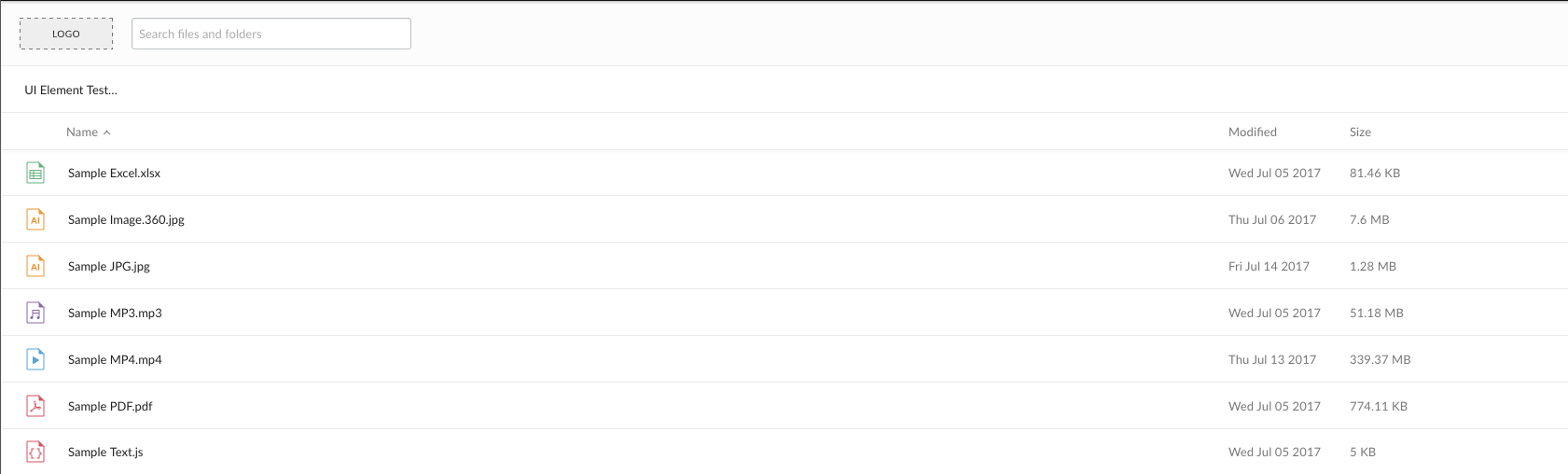 By default, each of the UI Elements uses a generic placeholder as a logo. This
is meant to be replaced by either a Box logo or a custom logo, such as a
company's logo.
To add a logo to a UI Element, supply a URL for a logo as an option in in the
Javascript setup code. The following is an example of how to do this with the
Content Preview UI Element.
```js theme={null}
var preview = new Box.Preview();
preview.show(fileId, accessToken, {
container: '.preview-container',
sharedLink: 'https://app.box.com/v/foo',
sharedLinkPassword: 'bar',
collection: [FILE_ID, '123', '234', ...],
header: 'light',
logoUrl: 'http://i.imgur.com/xh8j3E2.png',
showAnnotations: true,
showDownload: true
});
```
**Box Logo**
To present the Box logo in a UI Element, specify the string `box` as the
`logoURL` option.
## Image size
Images files will be fitted to a maximum height of 32 pixels and a maximum width
of 80 pixels. Larger images will be shrunk to fit these dimensions.
By default, each of the UI Elements uses a generic placeholder as a logo. This
is meant to be replaced by either a Box logo or a custom logo, such as a
company's logo.
To add a logo to a UI Element, supply a URL for a logo as an option in in the
Javascript setup code. The following is an example of how to do this with the
Content Preview UI Element.
```js theme={null}
var preview = new Box.Preview();
preview.show(fileId, accessToken, {
container: '.preview-container',
sharedLink: 'https://app.box.com/v/foo',
sharedLinkPassword: 'bar',
collection: [FILE_ID, '123', '234', ...],
header: 'light',
logoUrl: 'http://i.imgur.com/xh8j3E2.png',
showAnnotations: true,
showDownload: true
});
```
**Box Logo**
To present the Box logo in a UI Element, specify the string `box` as the
`logoURL` option.
## Image size
Images files will be fitted to a maximum height of 32 pixels and a maximum width
of 80 pixels. Larger images will be shrunk to fit these dimensions.