> ## Documentation Index
> Fetch the complete documentation index at: https://developer.box.com/llms.txt
> Use this file to discover all available pages before exploring further.
# 開発者トークン
export const MultiRelatedLinks = ({sections = []}) => {
if (!sections || sections.length === 0) {
return null;
}
return
{sections.map((section, index) =>
;
};
export const RelatedLinks = ({title, items = []}) => {
const getBadgeClass = badge => {
if (!badge) return "badge-default";
const badgeType = badge.toLowerCase().replace(/\s+/g, "-");
return `badge-${badge === "ガイド" ? "guide" : badgeType}`;
};
if (!items || items.length === 0) {
return null;
}
return ;
};
export const Link = ({href, children, className, ...props}) => {
const localizedHref = localizeLink(href);
return
{children}
;
};
\[
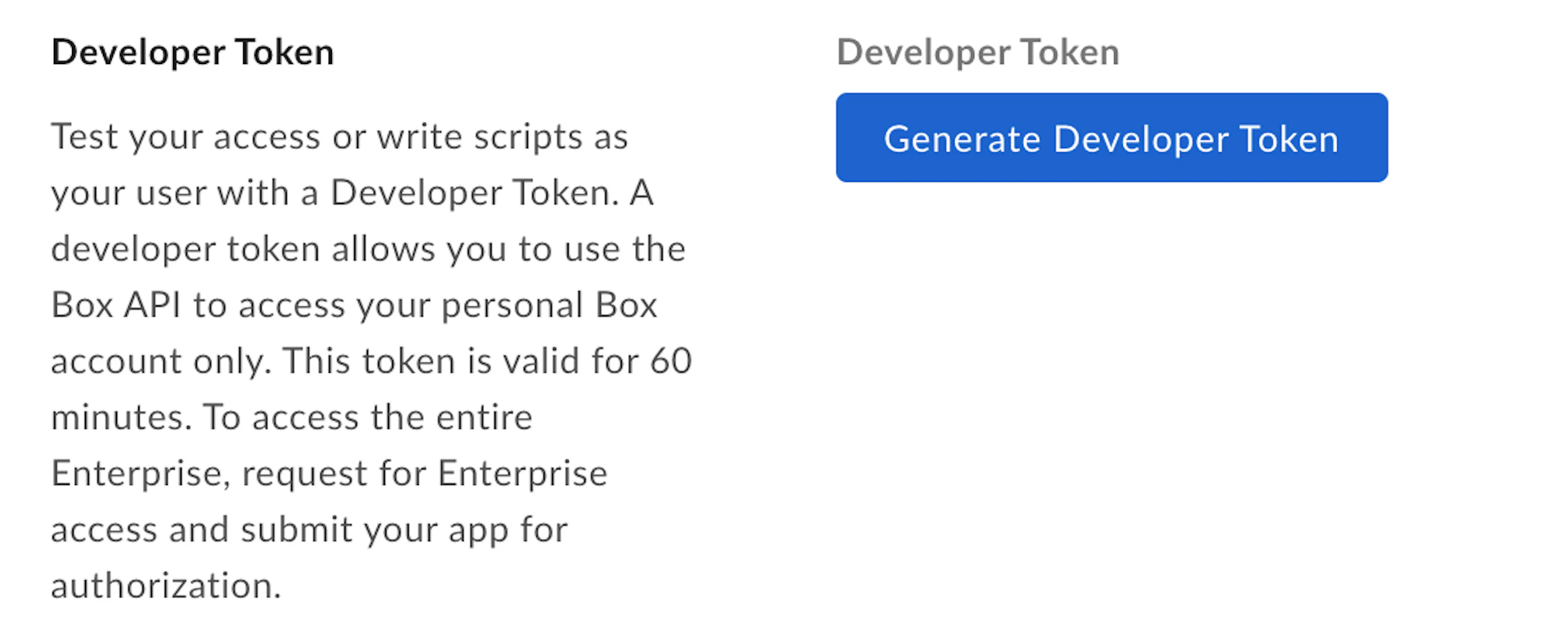
開発者トークンは、トークンの生成時に開発者コンソールにログインしているユーザーに関連付けられます。
Box SDKは、基本のAPIクライアントを作成する際に、開発者トークンを使用して初期化することができます。
```sh theme={null}
curl https://api.box.com/2.0/users/me \
-H "authorization: Bearer [DEVELOPER_TOKEN]"
```
**開発者トークンは実稼働環境で使用しないでください**
開発者トークンは、開発またはテストのためだけに使用してください。
開発者コンソールで特定のアプリの開発者トークンを明示的に取り消すと、そのアプリケーションによって作成されたすべてのWebhookが削除されます。
[devconsole]: https://app.box.com/developers/console
## SDKと開発者トークンの使用
各SDKの開発者トークンの詳細については、以下を参照してください。
* [.Net][.Net]
* [Java][Java]
* [Python][Python]
* [Node][Node]
* [IOS][IOS]
[.Net]: https://github.com/box/box-windows-sdk-v2/blob/legacy/docs/authentication.md#developer-token
[Java]: https://github.com/box/box-java-sdk/blob/legacy/doc/authentication.md#developer-token
[Python]: https://github.com/box/box-python-sdk/blob/legacy/docs/usage/authentication.md#developer-token
[Node]: https://github.com/box/box-node-sdk/blob/legacy/docs/authentication.md#developer-token
[IOS]: https://github.com/box/box-ios-sdk/blob/legacy/BoxSDK/docs/usage/authentication.md#developer-token
 ## 開発者トークンの使用
開発者トークンは、さまざまなアクセストークンと同様、APIコールの`Authorization`ヘッダーで使用できます。
```sh theme={null}
curl https://api.box.com/2.0/users/me \
-H "authorization: Bearer [DEVELOPER_TOKEN]"
```
## 開発者トークンの使用
開発者トークンは、さまざまなアクセストークンと同様、APIコールの`Authorization`ヘッダーで使用できます。
```sh theme={null}
curl https://api.box.com/2.0/users/me \
-H "authorization: Bearer [DEVELOPER_TOKEN]"
```