> ## Documentation Index
> Fetch the complete documentation index at: https://developer.box.com/llms.txt
> Use this file to discover all available pages before exploring further.
# iOS SDKの使い方
export const Link = ({href, children, className, ...props}) => {
const localizedHref = localizeLink(href);
return
{children}
;
};
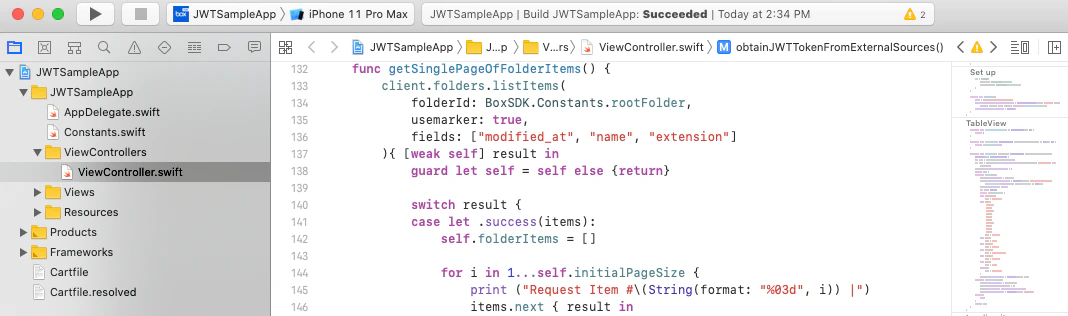 Box iOS SDKは、iOSプロジェクトにBox APIを追加するための[Swift言語](https://developer.apple.com/swift/)ラッパーです。
## 要件
Box iOS SDKとこのクイックスタートの使用を開始するには、以下のものが必要です。
* iOS 11.0以降/Mac OS X 10.13以降
* Xcode 10.0以降
## 概要
このガイドでは、以下の手順を説明します。
1. Xcodeで新しいiOSアプリを作成します。
2. プロジェクトにiOS SDKをインストールします。
3. iOS SDKからBox APIにアクセスできるようにBoxアプリを設定します。
4. iOS SDKを使用してBox APIに対するAPIコールを実行します。
Box iOS SDKは、iOSプロジェクトにBox APIを追加するための[Swift言語](https://developer.apple.com/swift/)ラッパーです。
## 要件
Box iOS SDKとこのクイックスタートの使用を開始するには、以下のものが必要です。
* iOS 11.0以降/Mac OS X 10.13以降
* Xcode 10.0以降
## 概要
このガイドでは、以下の手順を説明します。
1. Xcodeで新しいiOSアプリを作成します。
2. プロジェクトにiOS SDKをインストールします。
3. iOS SDKからBox APIにアクセスできるようにBoxアプリを設定します。
4. iOS SDKを使用してBox APIに対するAPIコールを実行します。