

https://mcp.box.com. It lets AI agents and apps search and use Box files over OAuth, without you handling raw file payloads in the client.
MCP is an open protocol that standardizes how applications provide context to LLMs. Agents call Box tools (search, Box AI, folders, and more) through this single endpoint.
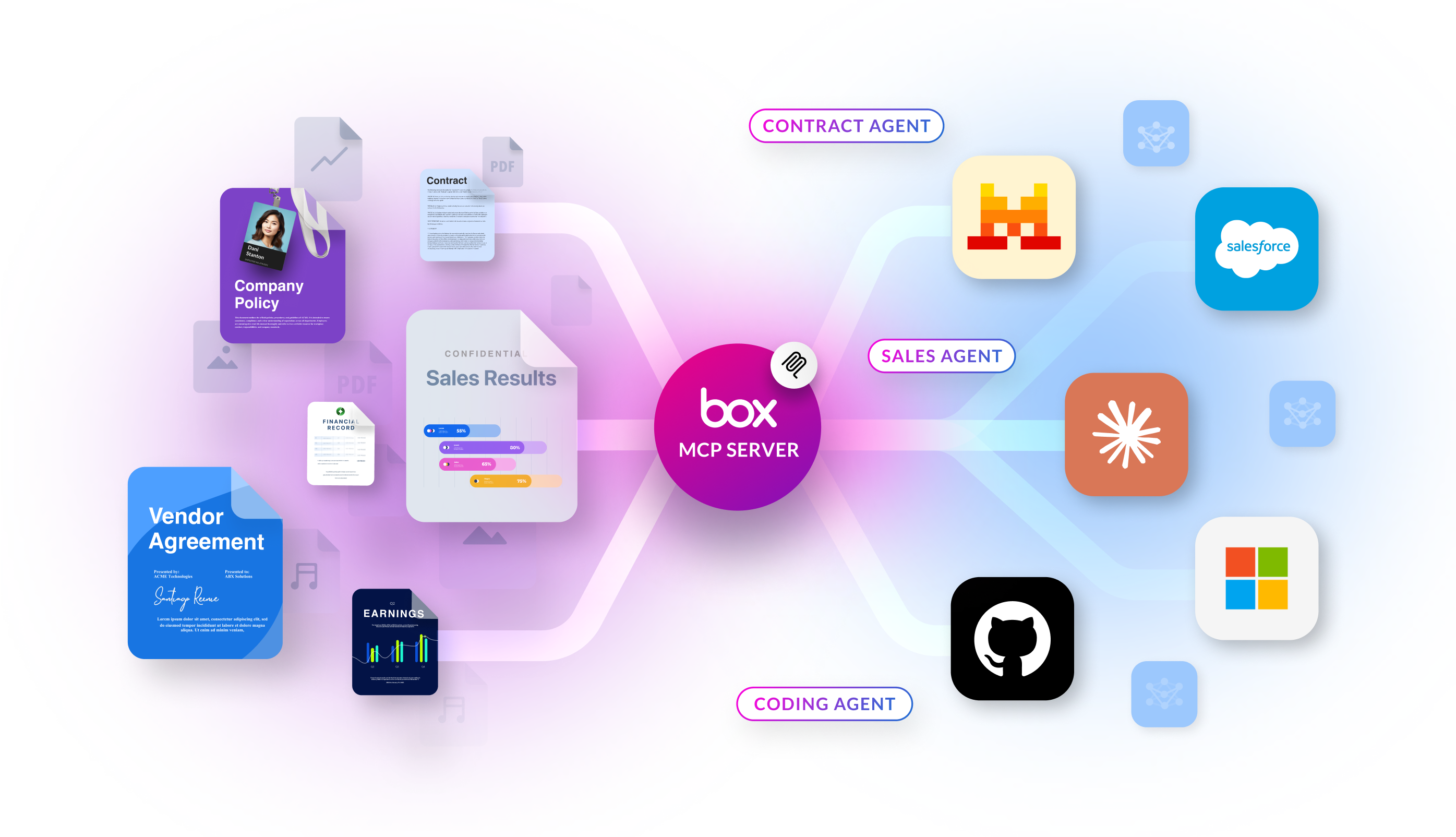
How it works at a glance
Follow this path when you are wiring or extending an integration:- Box hosts MCP at
https://mcp.box.com. You connect your client or agent platform to this URL; you do not run Box’s MCP server yourself for the standard integration. - An admin enables MCP in the Box Admin Console and, for custom clients, creates Integration Credentials (OAuth client ID and client secret, redirect URI, and scopes such as Content Actions).
- Your application passes the MCP endpoint, OAuth credentials, the MCP name
box-remote-mcp, and an authorization token according to your platform’s MCP client requirements.
Watch an interview with Box CTO, Ben Kus, and learn how MCP empowers AI agents to work dynamically across platforms, reducing the development effort.