

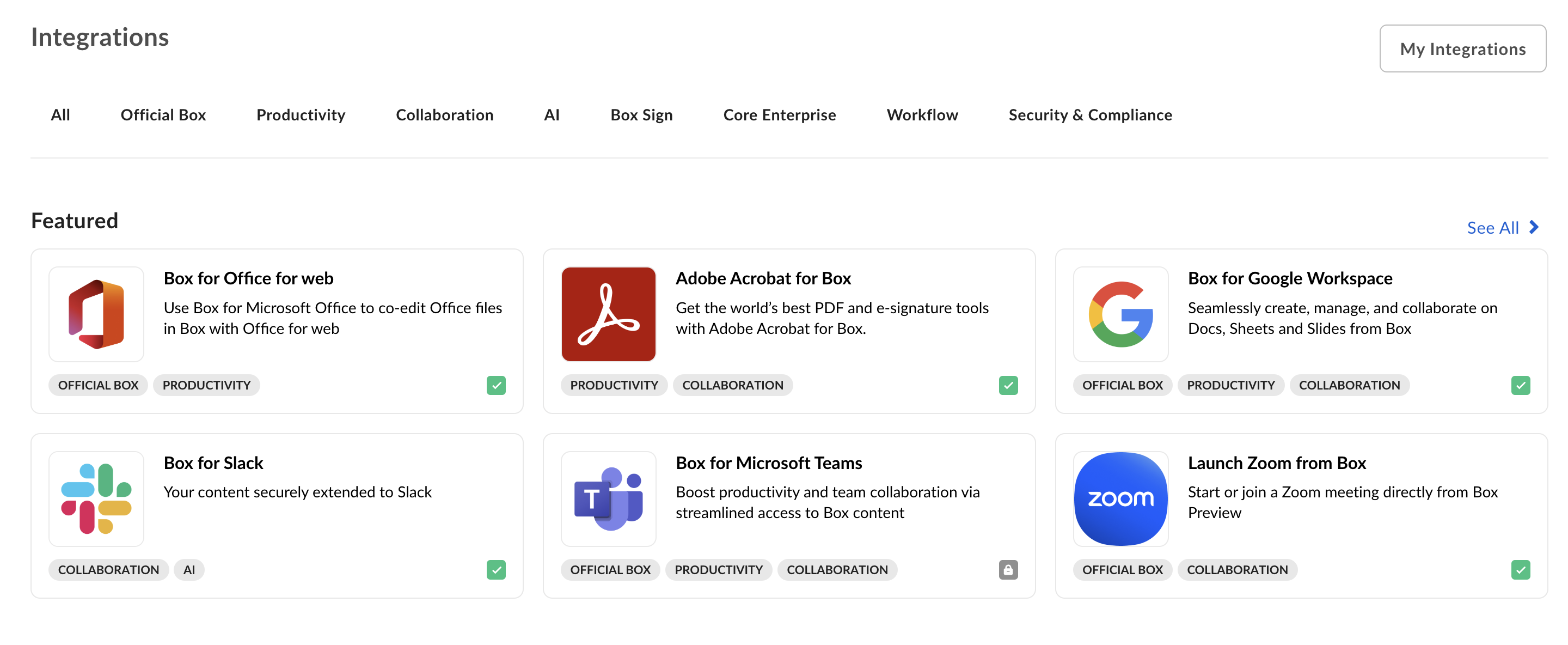
Developing a platform app or becoming a Box Partner
If you need more information on developing a platform app for the Box Integrations or becoming a Box Partner, visit our Box Partner Resources guides on our community site.Publishing a platform app
Use the following steps to publish a platform app in Box Integrations.Prerequisites
Your application must meet the following requirements:- The platform app is in a finished state and ready for production usage.
- The platform app leverages OAuth 2.0 authentication, as Integrations do not support any other authentication methods.
- You are a developer with access to the platform app in the Developer Console.
Steps
- Navigate to the Developer Console > My Platform Apps and select the app you want to publish.
-
Select the Publishing tab from the top menu.
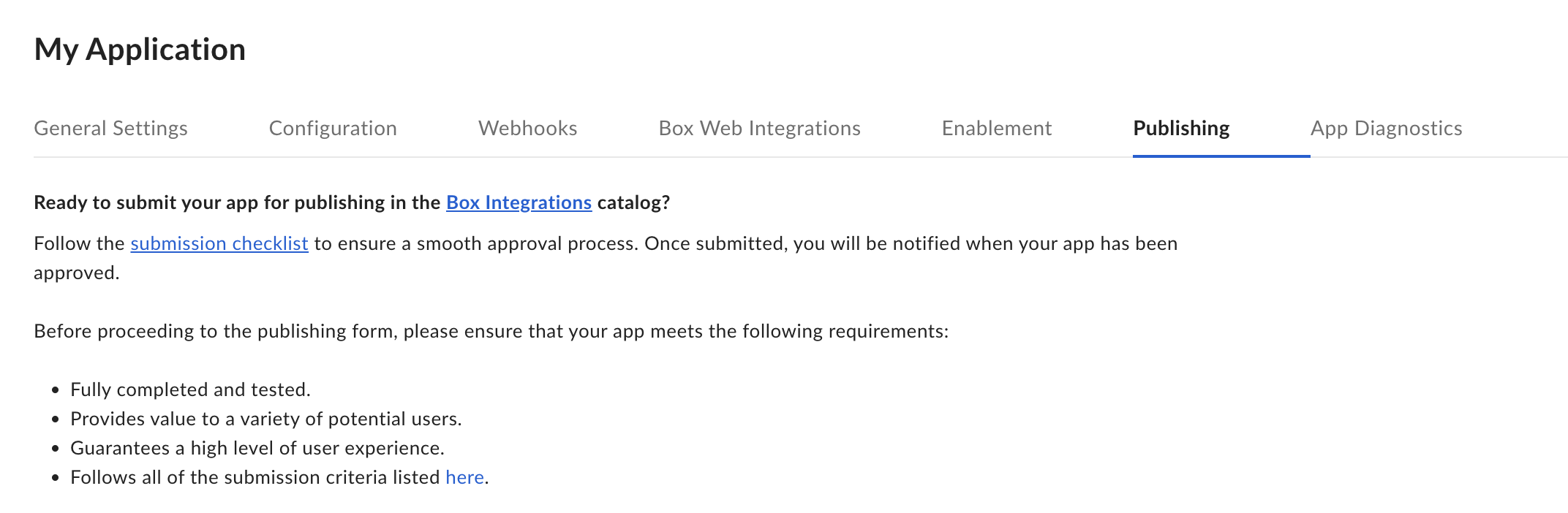
- Read through the submission checklist and check the confirmation checkbox if your app meets all the requirements.
-
Fill in the form by providing the following details:
- The categories your app falls under
- A short and a long description
- The URL for the Add button
- Screenshots and an app icon
- Supplementary information to support users
- Use the Preview button in the top right corner to see how your application will look when listed.
-
Finally, submit the application for approval by clicking the Submit for Approval button. Once a request for approval is received, the Box Partner team will be notified and review your request as soon as possible. For any questions, email
integrate@box.com.
Unpublishing a platform app
Once approved and published, a platform app can be unpublished from the same control panel:- Navigate to the Developer Console and select your platform app.
- Select the Publishing tab.
- You can now unpublish the app.