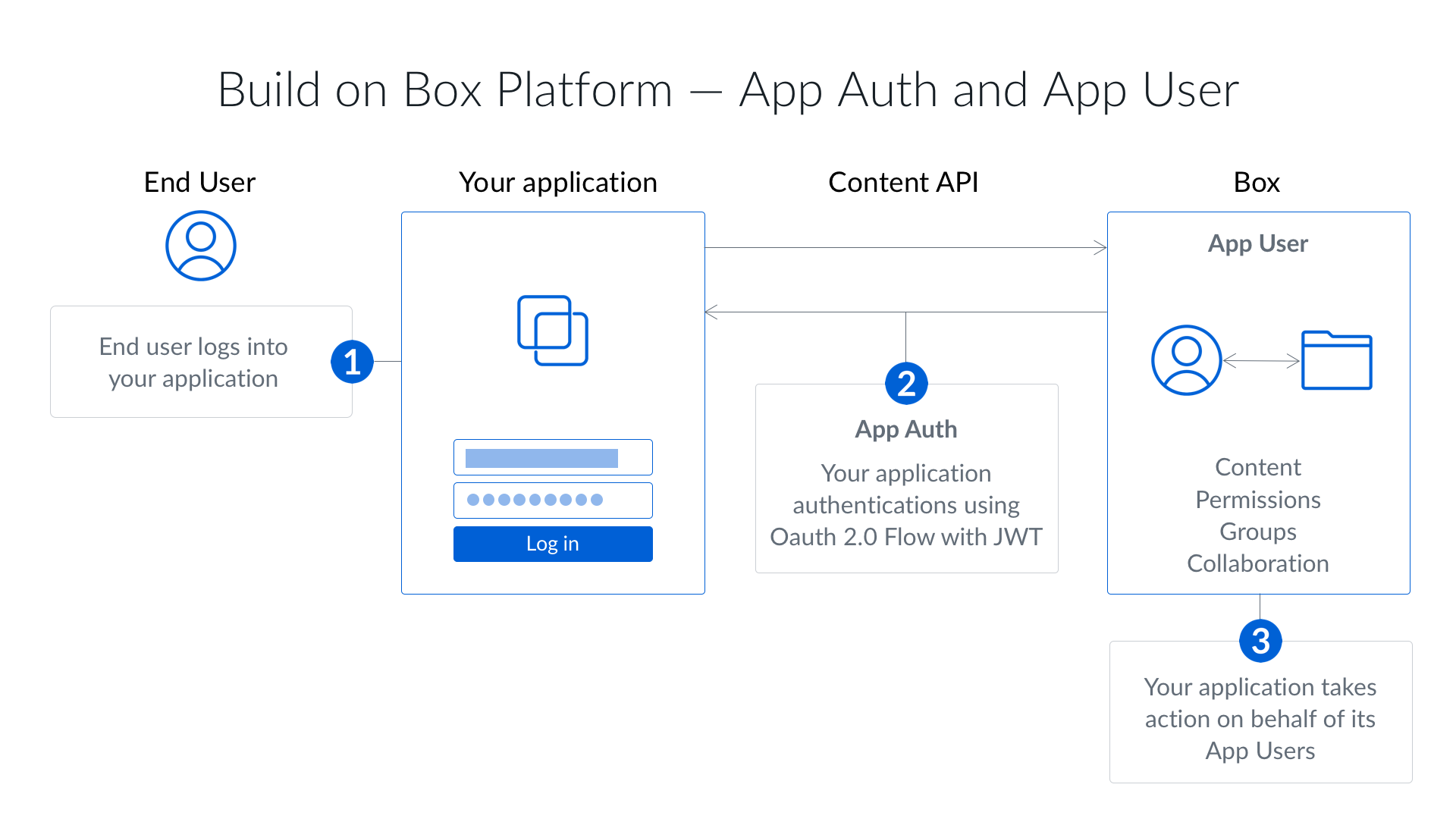
Server-side authentication using JSON Web Tokens (JWT) lets an application
authenticate to the Box API with no user present. JWT is an open standard
designed to allow powerful server-to-server authentication.
Server-side authentication using JWT is available to
.
This authentication method does not require end-user
interaction and, if granted the proper privileges, can be used
to act on behalf of any user in an enterprise.
How it works
Instead of sending a secret on its own, your application signs a short-lived
assertion with a private key and exchanges that assertion for an access token.
Box holds only the matching public key, so the private key never leaves your
infrastructure. The flow has four steps:
- Your application reads the application details and the keypair, usually from
the
config.json that Box generates for you.
- It decrypts the private key with the passphrase that came with it.
- It builds a JWT assertion that names the subject to authenticate as, and
signs the assertion with the private key.
- It exchanges the assertion for an access token that is valid for 60 minutes.
Creating a JWT app
To use JWT, create a Server Authentication app and select JWT in the
Create a New App dialog, which preselects Client Credentials Grant. Your
enterprise’s Switch server app auth type (CCG or JWT) setting decides whether
you can change the method afterward, and it is disabled by default for
enterprises. When switching is enabled, you can
at any time.
Upon authorizing a JWT application, a
is automatically generated and is the default
Access Token used when authenticating. Because the Service Account has admin-like
privileges, JWT applications must be before use.
Last modified on September 10, 2026