Enabling Box AI Studio
Enable Box AI Studio in the Admin Console to start creating agents. For admin instructions, see . Step-by-step instructions are available in the guide.How Box AI Studio relates to Box AI
| Feature | Box AI API | Box AI Studio |
|---|---|---|
| Use case | Provides endpoints for Q&A, text generation, and metadata extraction against files in Box | Lets you create and manage custom AI agents with tailored behavior |
| Customization | Override model and prompt per-request using the ai_agent parameter | Define persistent agent configurations with custom instructions, models, and access controls |
| Access | Business plans and above | Enterprise Advanced only |
| API endpoints | POST /ai/ask, POST /ai/text_gen, POST /ai/extract, POST /ai/extract_structured | POST /ai_agents, GET /ai_agents, GET /ai_agents/{id}, PUT /ai_agents/{id}, DELETE /ai_agents/{id} |
Capabilities
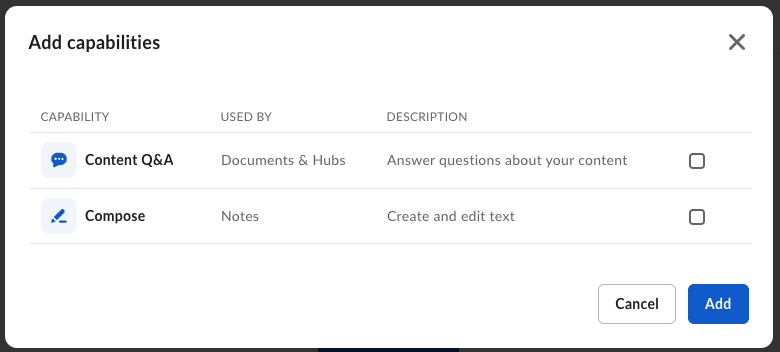
You can configure AI Studio agents for the following modes:| Mode | Parameter | Description |
|---|---|---|
| Ask | ask | Answer user questions about documents |
| Text generation | text_gen | Generate text based on file content and prompts |
| Extraction | extract | Extract metadata from documents |

Get started
Set up AI Studio
Create a platform app, enable the AI scope, and generate credentials to
start making AI Studio API calls.
Create an agent
Use
POST /ai_agents to create a custom AI agent with specific
capabilities and access controls.List agents
Retrieve all AI agents in your enterprise, filtered by mode or state.
Manage agents
Get, update, and delete agents by ID.
