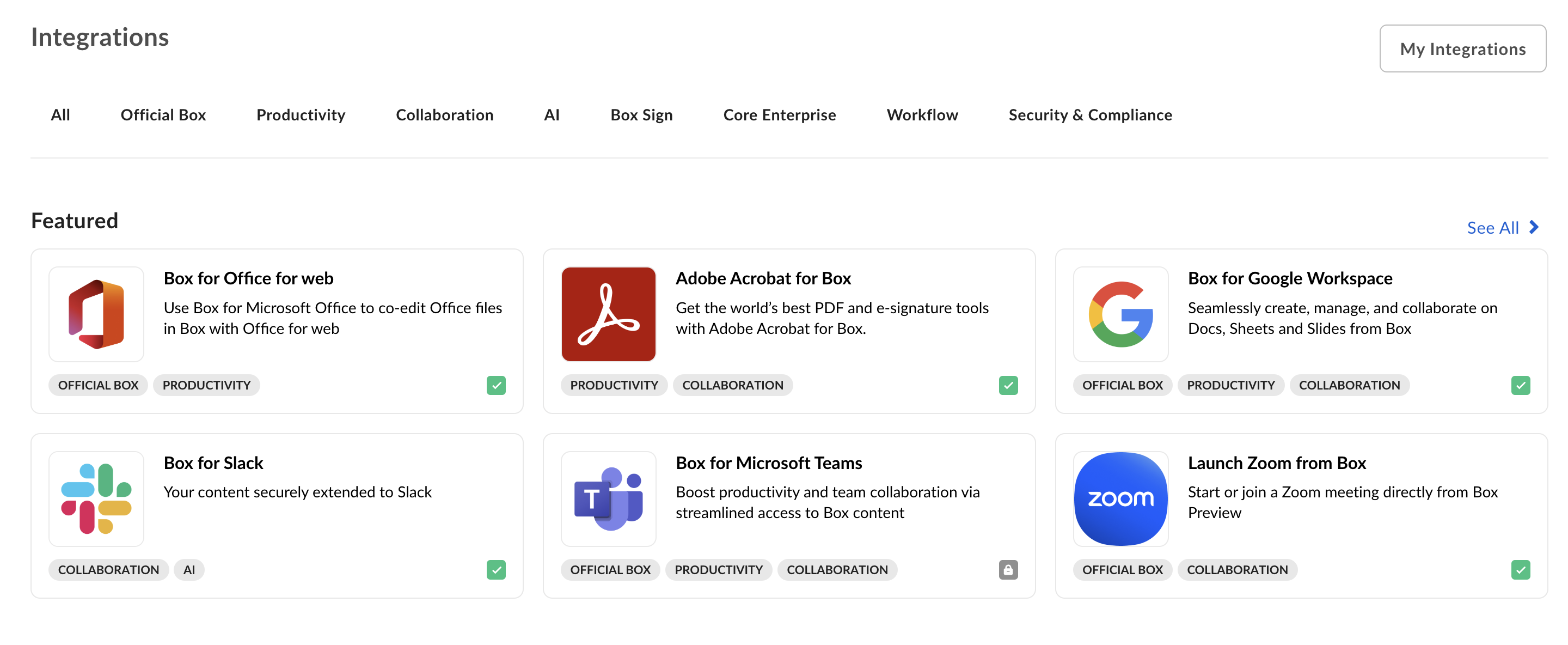
Box Integrations is the first place for Box users to find out
about applications they can use in combination with Box. If your
application can be used by other enterprises, listing your service in
under Integrations can be a great way to find new users.
Integrations group apps into sections so that you can
quickly find featured, most popular, or recently added apps.
Developing a platform app or becoming a Box Partner
If you need more information on developing a platform app for the Box Integrations or becoming a Box Partner, visit our Box Partner Resources guides on our community site.
Navigate to the Developer Console > My Platform Apps and select the app you want to publish.
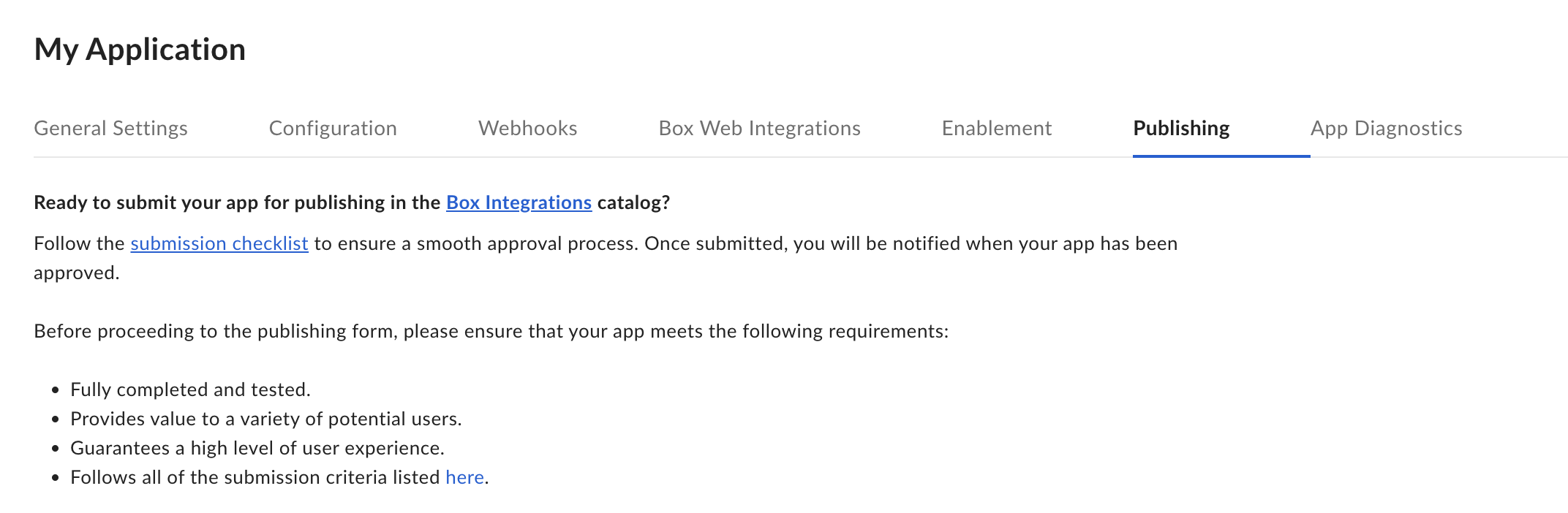
Select the Publishing tab from the top menu.
Read through the submission checklist and check the confirmation checkbox if your app meets all the requirements.
Fill in the form by providing:
the categories your app falls under
a short and a long description
screenshots and an app icon
supplementary information that will be used to support the users
Use the Preview button in the top right corner to see how your application will look when listed.
Finally, submit the application for approval by clicking the Submit for Approval button. Once a request for approval is received, the Box Partner team will be notified and review your request as soon as possible. For any questions, email [email protected].