

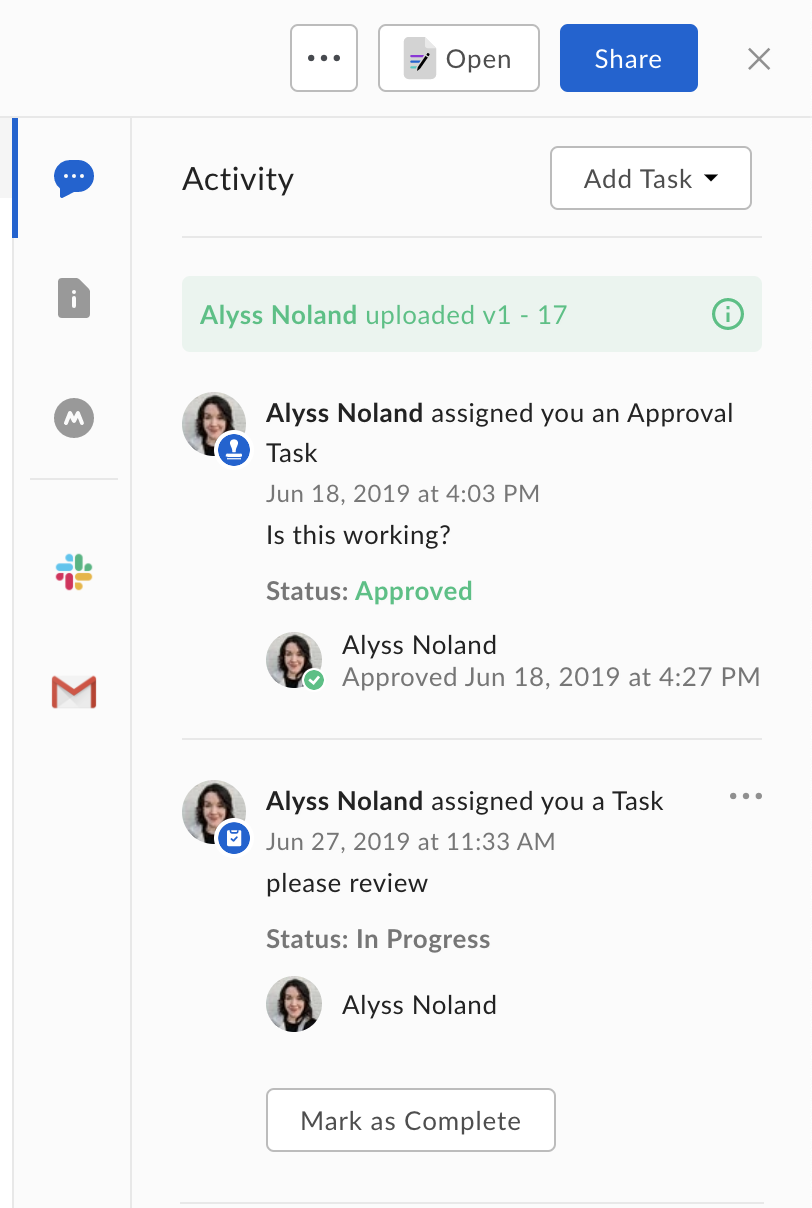
Task actions
Box currently supports two types of tasks defined by theaction value:
review tasks and complete tasks.
The type of task determines the possible resolution states a task can be in and
the interface shown to a user in the web and mobile apps.
A
review task starts out in an incomplete state and can be marked as
incomplete, approved, or rejected. In the user interface a user is
provided with a text box and a pair of buttons to approve or reject the task.
A complete task starts out in an incomplete state and can be marked
incomplete or completed. Once this task is marked completed, no
further changes can be made to the task’s state. In the user interface a user is
provided with a text box and a button to mark the task as completed.
Completion rules
A task on a file can be assigned to more than one collaborator on the file, and a task has acompletion_rule that can be used to define if all users who’ve
been assigned the task (all_assignees) or only one assignee (any_assignee)
need to complete the task.