Overview
While leveraging an official Box SDK removes common hurdles of authentication, it is possible to use the Box APIs without one. This guide reviews the steps to manually complete the OAuth 2.0 flow.- Build the authorization URL
- Redirect the user to the authorization URL
- The user grants the application access to take actions on their behalf, which, if successful, provides an authorization code
- Redirect the user back to the application
- Exchange the authorization code for an Access Token
The Access Token acquired through the OAuth 2.0 flow is inherently tied to the
user who authorized the application.It is possible to
using the
as-user header.Prerequisites
Before continuing you will need to complete the following steps:- Create a Platform App within the Box Developer Console, which leverages the OAuth 2.0 authentication method.
- Navigate to the configuration tab for the application to copy the
client_idandclient_secretvalues. - Ensure at least one redirect URI is configured in the configuration tab for the application.
1. Build authorization URL
An is comprised of the following parameters:
At the minimum this URL will always use the format:
https://account.box.com/api/oauth2/authorize?client_id=CLIENTIDHERE&response_type=code
Learn more about the authorization URL
2. Redirect the user
Next, redirect the user to the authorization URL. The way this is done depends on the application framework. Most framework documentation provides extensive guidance on this topic. If the authorization URL is not valid for the app specified, the user will see an error page rather than a grant access screen. For example, if theredirect_uri parameter in the authorization URL does not match one of the URIs
configured for your app, the user will see a redirect_uri_mismatch error.
Additional query parameters can be passed along when redirecting the user to
limit down the scope, or pass along some extra state. See the authorization
reference documentation for more information.
3. User grants application access
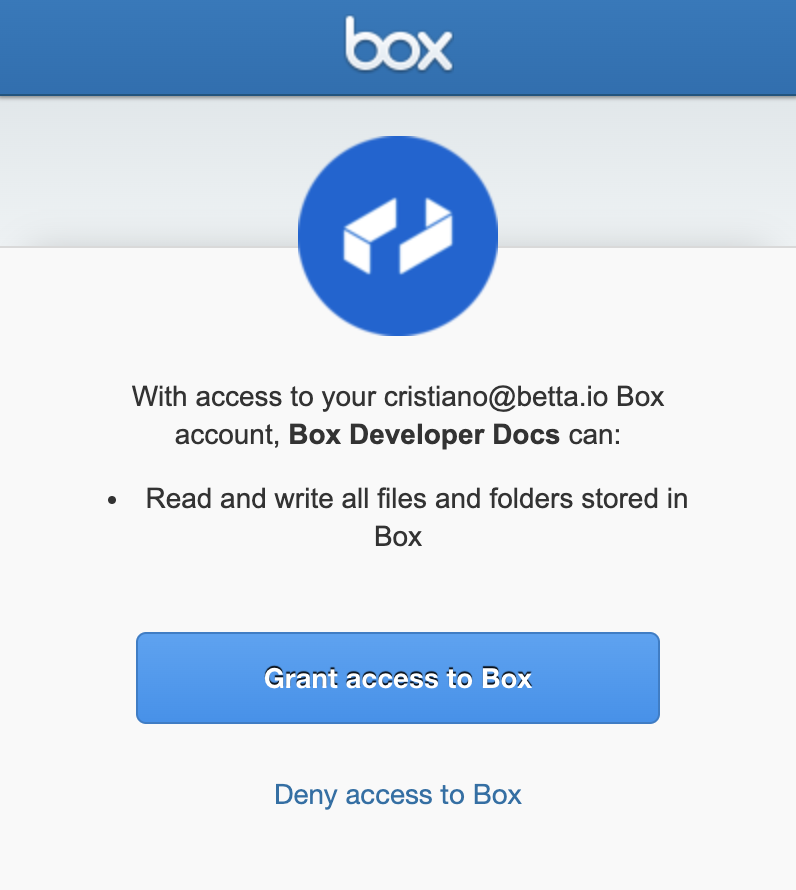
The user is redirected to their browser to log in to their account using the Box UI. They are then presented with the list of requested scopes and the option to approve the application to take actions on their behalf.