A Box developer token is an access token you generate in the Developer Console for development and testing. It expires after 60 minutes and you cannot refresh it programmatically. For production apps, use from OAuth, JWT, or client credentials instead.
Create a developer token
To create a Developer Token for an application:
- Navigate to the Box Developer Console and select the application to create a Developer Token for.
- Select the Configuration tab.
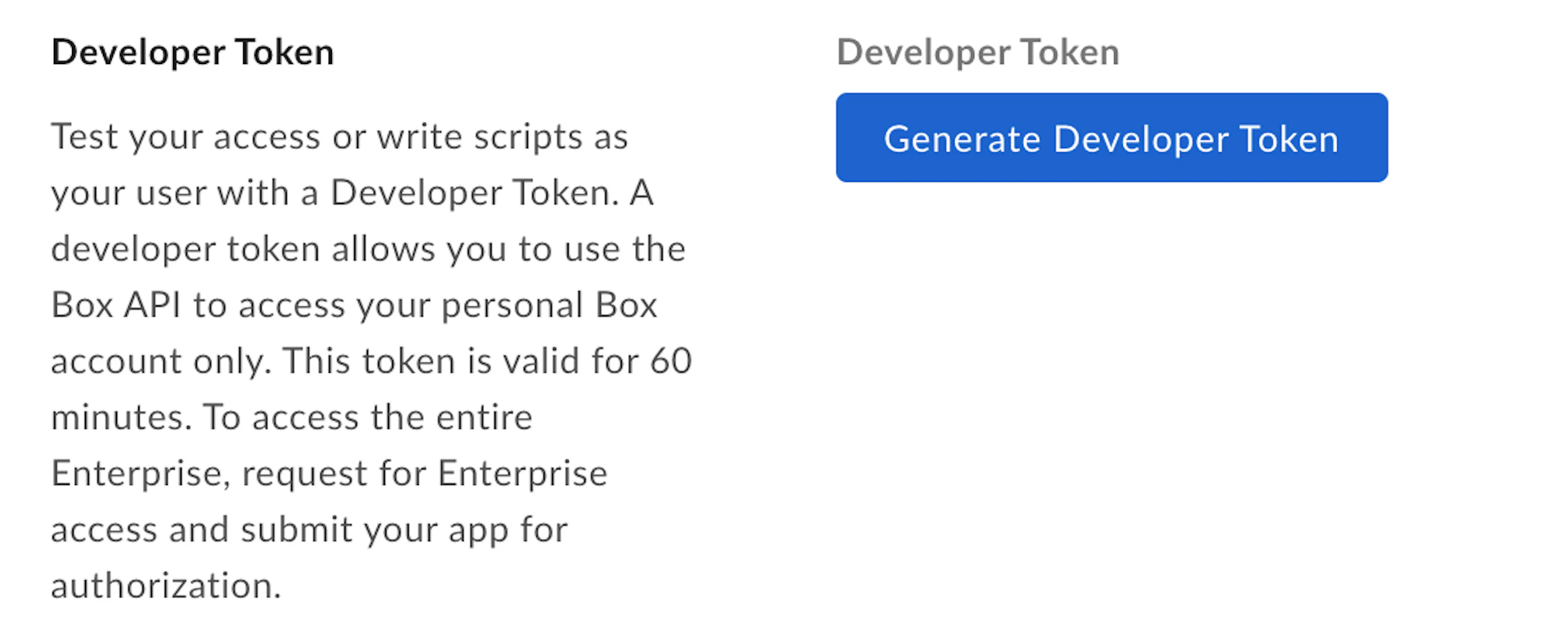
- Under Developer Token, select Generate Developer Token.
You can also generate a Developer Token directly from
view, using the menu available for each app.
Use a developer token
A Developer Token can be used like any Access Token in the Authorization
header of an API call.
A Developer Token is associated with the user that is logged in to the
Developer Console when the token is generated.
Developer tokens should not be used in production environmentsDeveloper Tokens should only be used for development or testing purposes.
When you explicitly revoke a developer token for a given app via the
Developer console, all webhooks created by that application get deleted.
Using SDKs and developer tokens
To learn more about Developer Tokens for each SDK head over to: