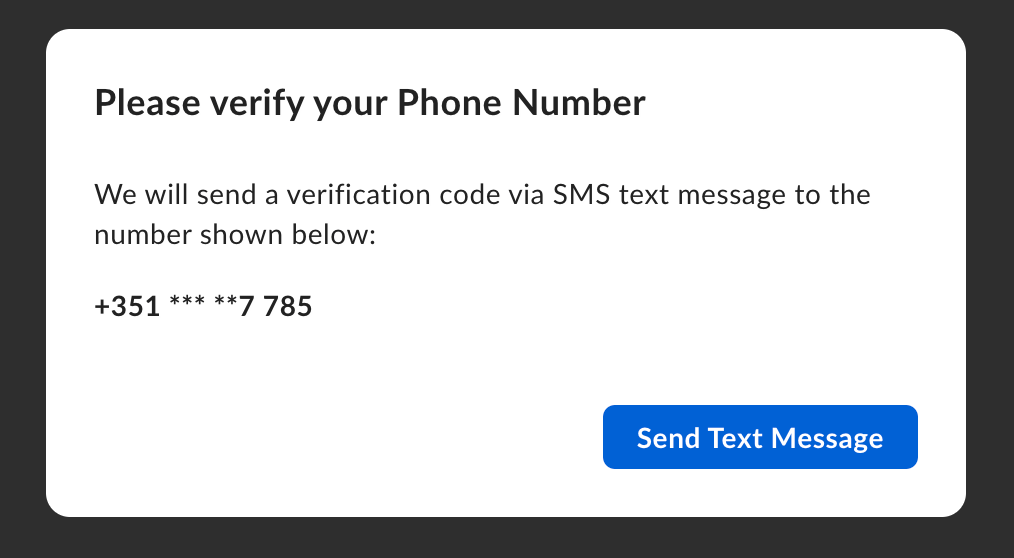
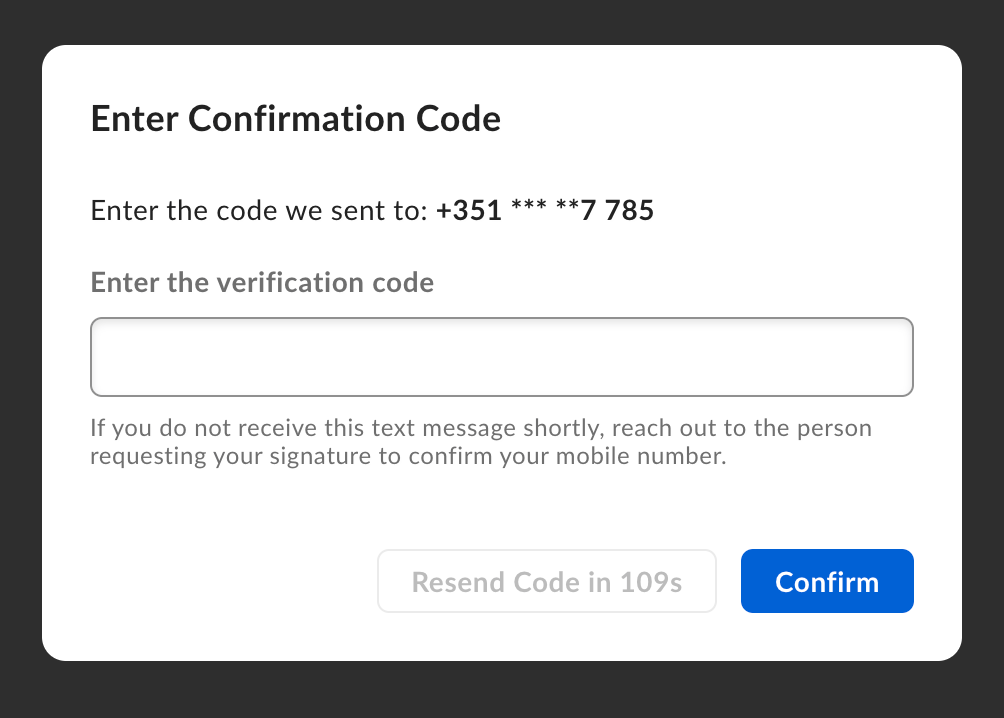
password. Set these on the signer when
you create the request, or on a
template.
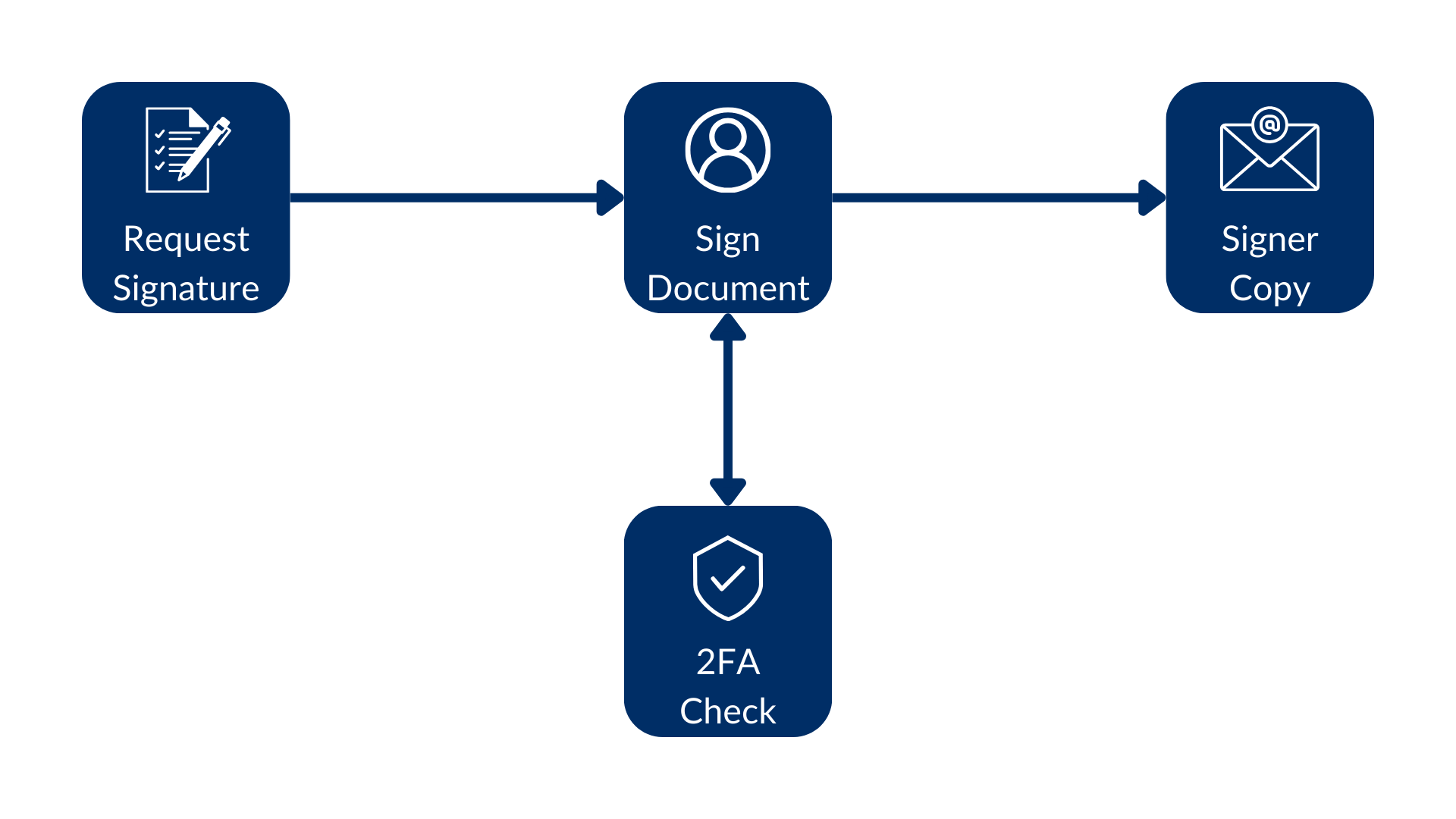
Verification methods
Useverification_method on the signer when you create the request. This is the
recommended approach for new integrations.
When you get a request or template,
verification_method is null if that
signer has no verification. If you set both verification_method and a legacy
property such as login_required or verification_phone_number,
verification_method takes precedence.
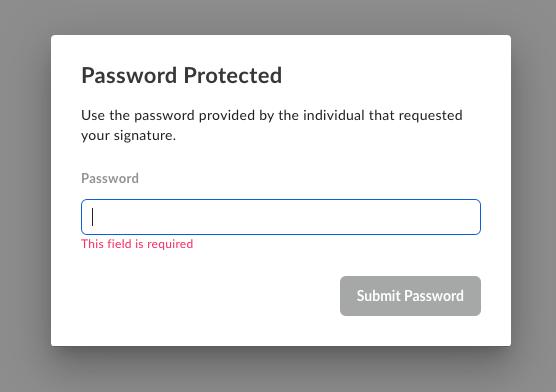
Password protection
You can add apassword alongside any verification method. Password
verification happens before the signer can open the request.
SMS verification (legacy)
verification_phone_number is still supported. Prefer verification_method
when you create the request.
By default, SMS verification happens at the signing step, so the signer can view
the request first. Set is_phone_verification_required_to_view to true to
require SMS before view.