

order when they need to act one after another.
Set both when you
create the request.
Signer roles
Each person needs a role:signer, approver, or final_copy_reader.
If you do not give the requester a role, Box Sign adds them as
final_copy_reader.
Approvers and final copy readers cannot have signature properties. If you assign
signature properties to them, Box Sign changes their role to signer. In the
prepare UI, each signer has a color so you can see which fields belong to which
person.
For more detail on what each role can do, see the roles for signers
support article.
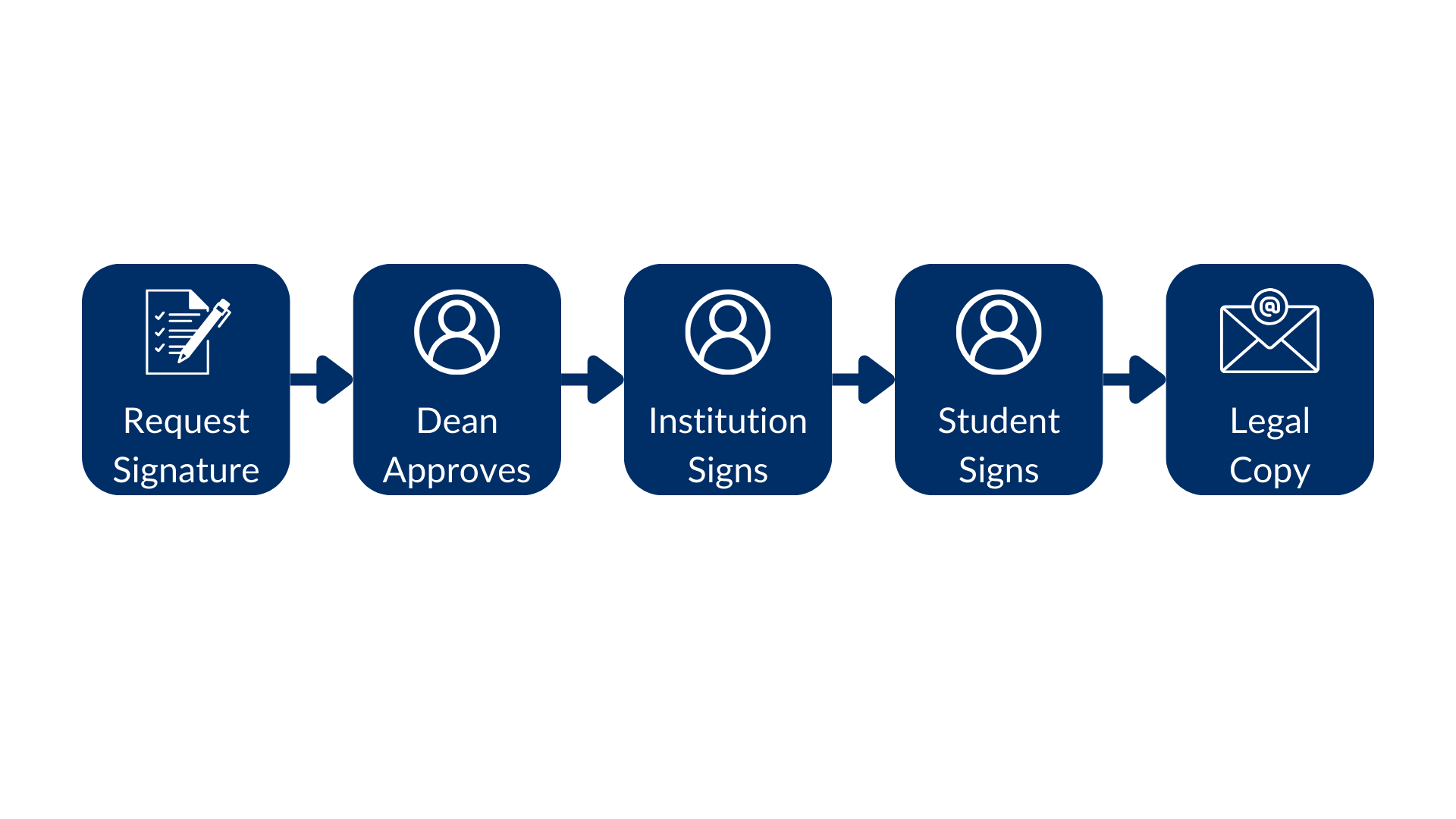
Signing order
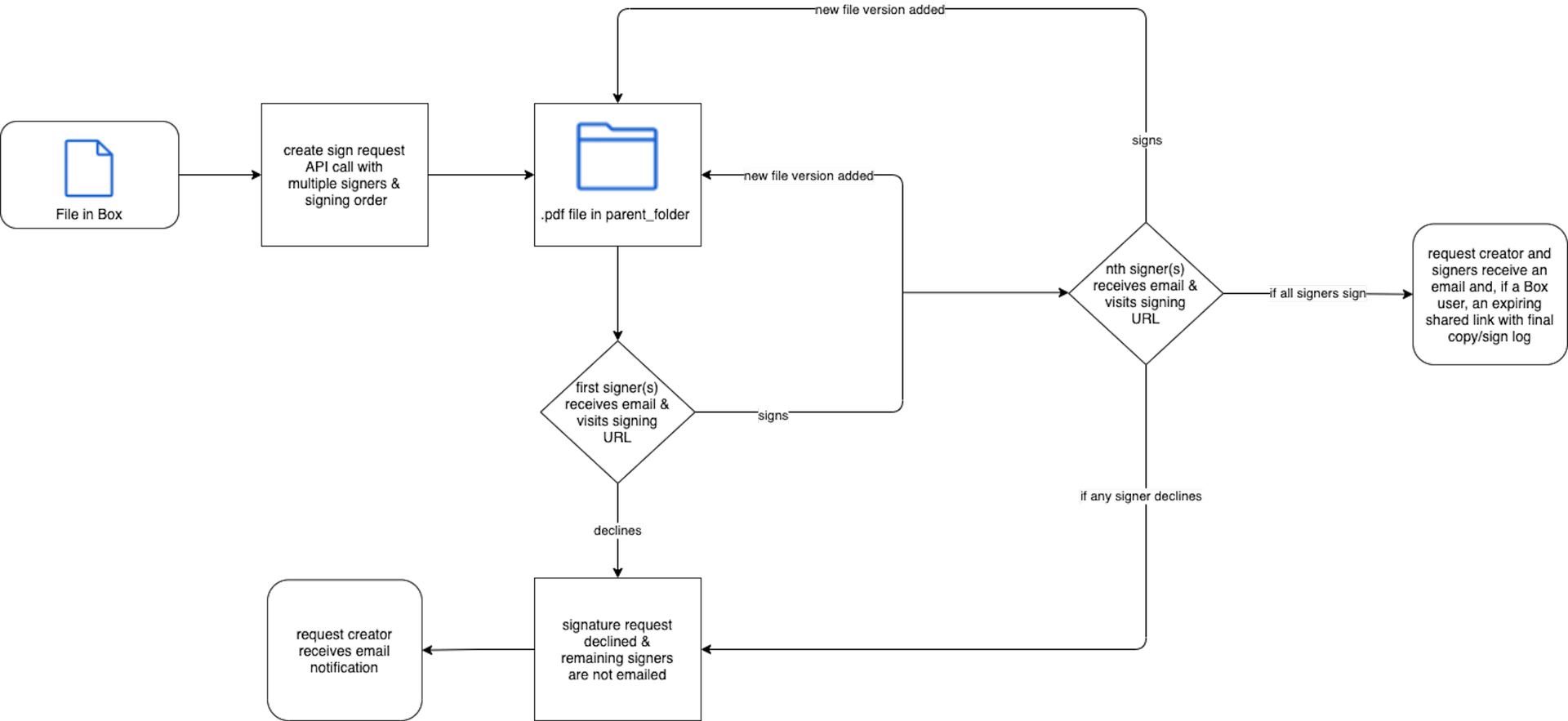
If you omitorder, Box Sign notifies every signer at the same time. If you set
order, only the lowest number is notified first. After they sign, the next
group is notified. Signers that share an order value receive the request at the
same time.
Box Sign adds a new file version to parent_folder as each signer completes. A
decline stops the request for everyone who has not signed yet, and the request
status becomes declined.
When you create the request from a template, keep signer order in the
POST
body the same as the order on the template so the correct person gets each
field. See Create a sign request with a template.