A Box Sign template is a document that already has signature and initials fields, signer
roles, and optional email settings. You create and manage templates in the Box
web app. The API can list templates and create sign requests from them. It
cannot create, edit, or delete templates.
Signature and initials fields on a template belong to a specific signer. They can be required or
optional. Your app can prefill them when you create a request from the template, but the signer who owns a field can still change it when they open the request.
You can also verify signer identity for a template recipient.
For every create-time option, see Create a Box Sign request.
Create a template
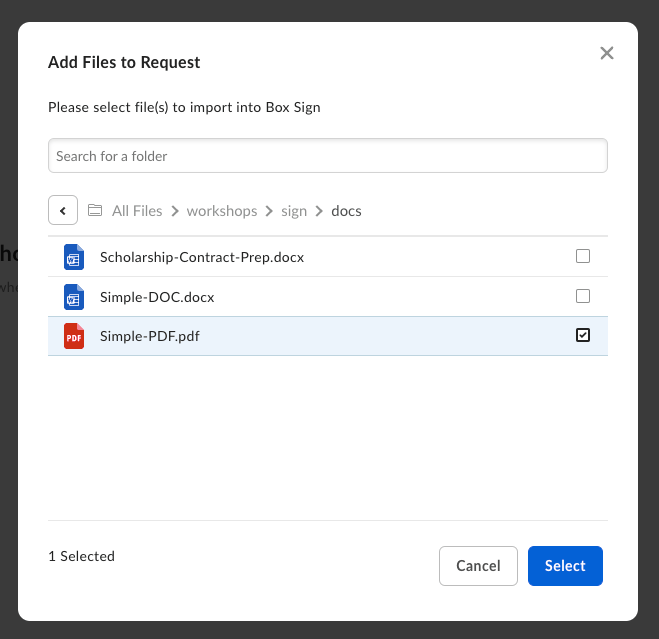
In Box Sign, open Sign and select Templates. Select New Template, then
choose or upload a document.
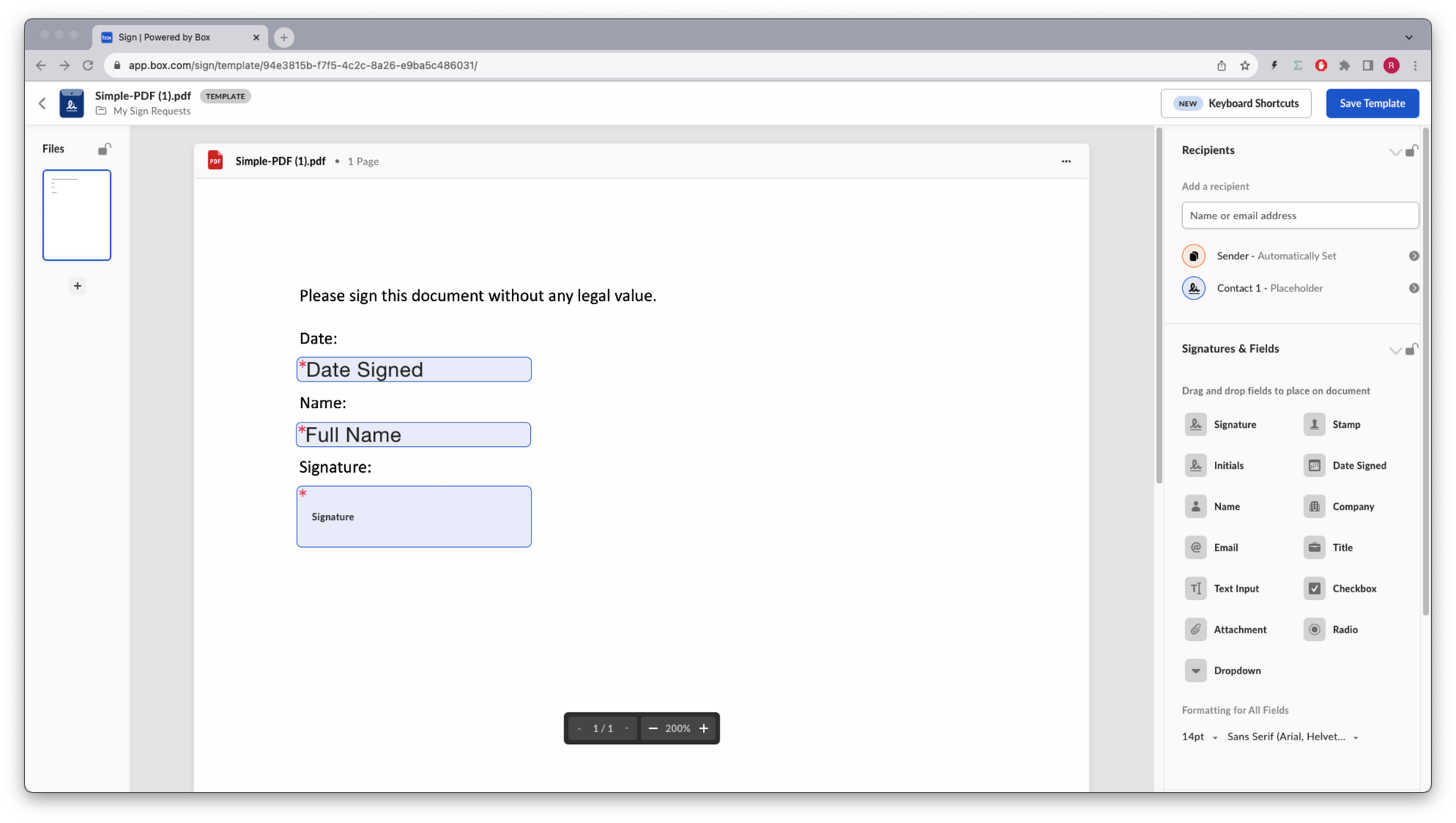
Place the signature and initials fields you need, such as date, name, and signature, then save the
template.
See the Creating templates in Box Sign support article for UI details.
Get the template ID
Use the list Box Sign templates endpoint to find the template_id.
The response is similar to this abbreviated example. For the full schema, see the List Box Sign templates endpoint.
To inspect one template, including every input and document_tag_id, use the get Box Sign template by ID endpoint.
Create the sign request
Pass template_id, parent_folder, and signer emails when you create the request. You do not need
source_files when the template already references the document. Keep signer
order in the POST body the same as the order on the template.
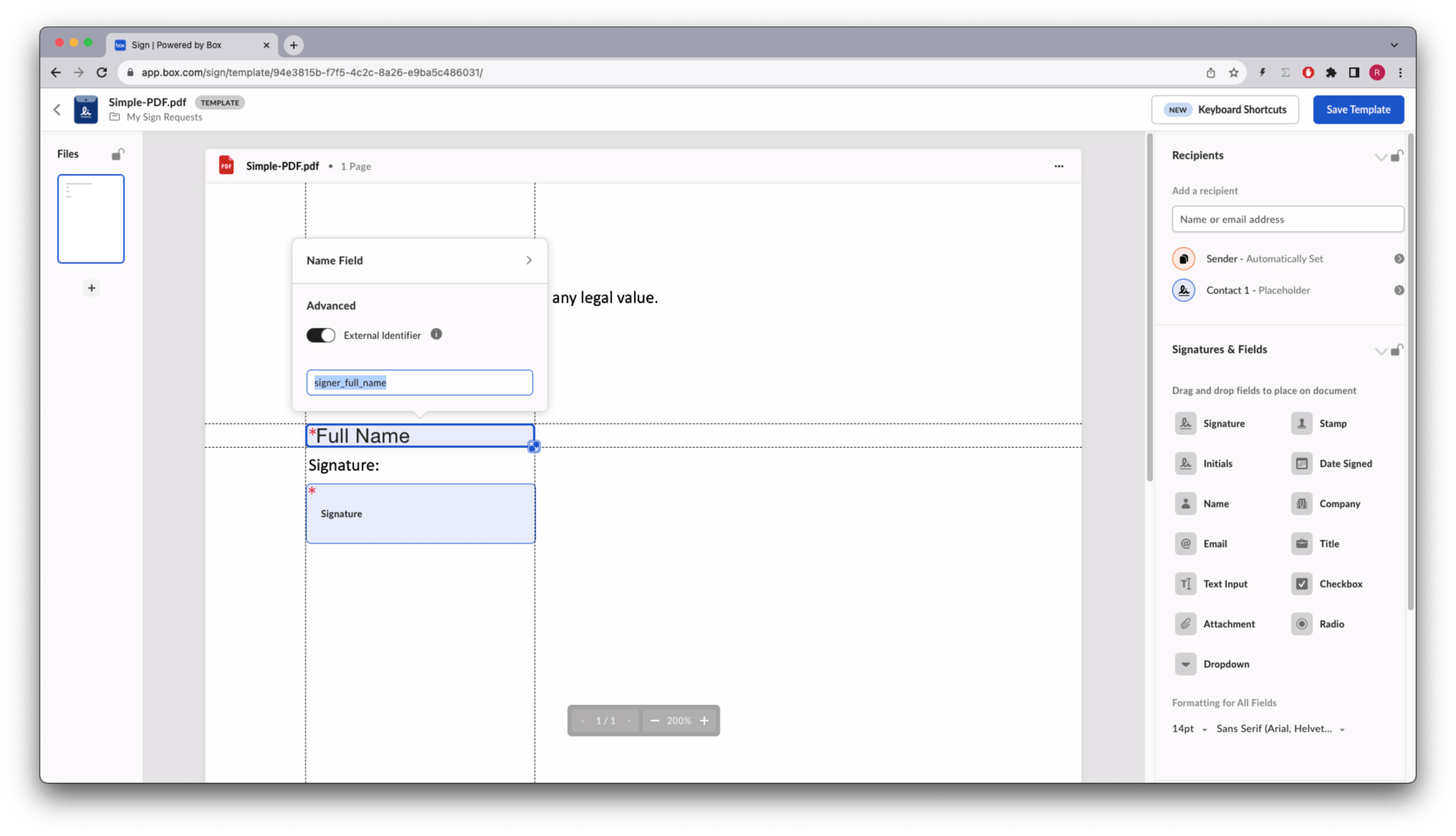
In the template editor, assign a tag ID to any signature or initials field you want to prefill, then
send prefill_tags with that document_tag_id.
The response includes the new request id, template_id, and the prefill
values. Preparation is not needed when the template already placed the signature and initials fields.
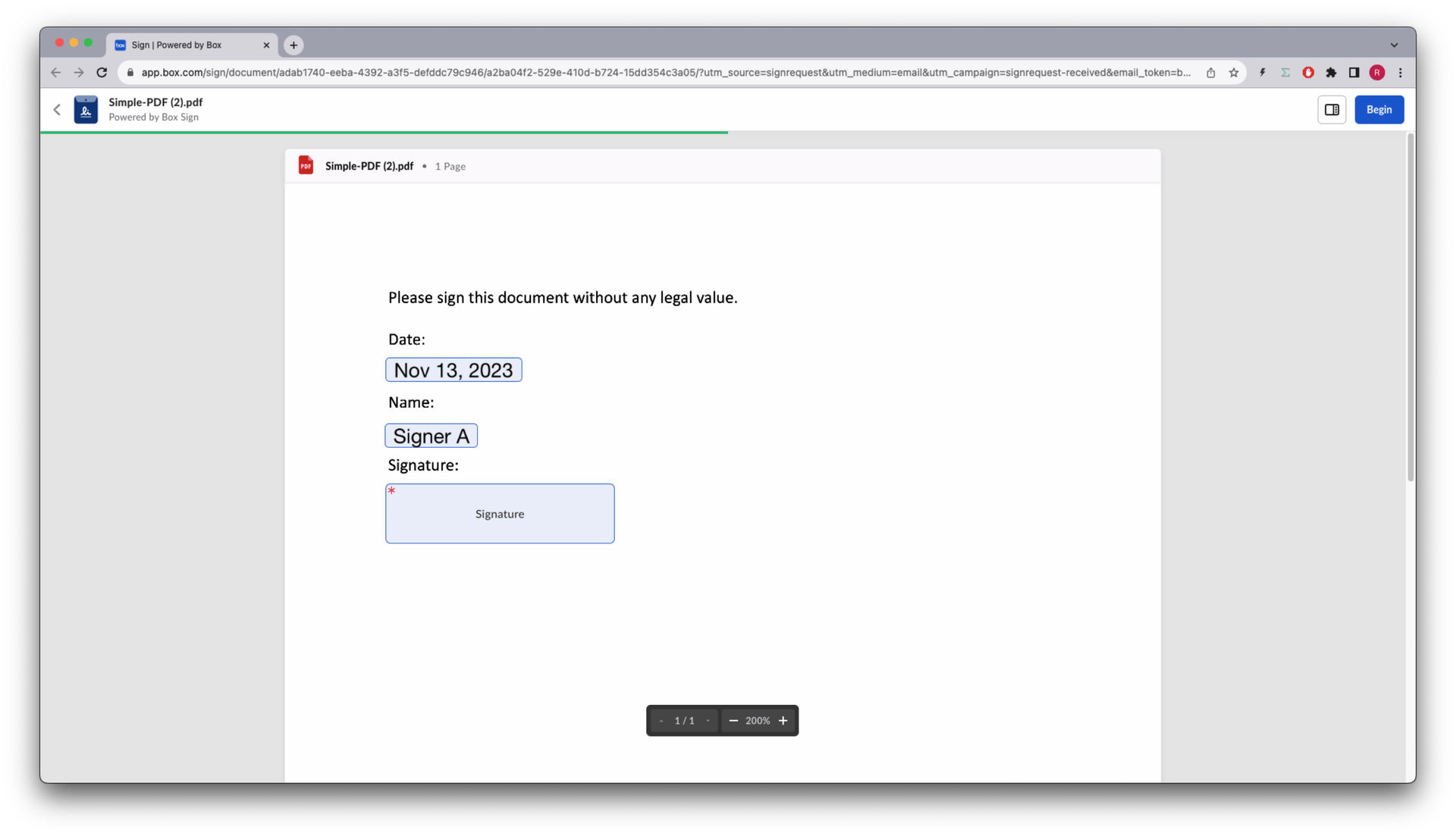
The date field, if present, is populated with the current date. Signers can still
change values they own.
If the document already includes signature and initials tags and you do not want to manage a
template in the web app, see Signing structured docs.
Last modified on September 18, 2026