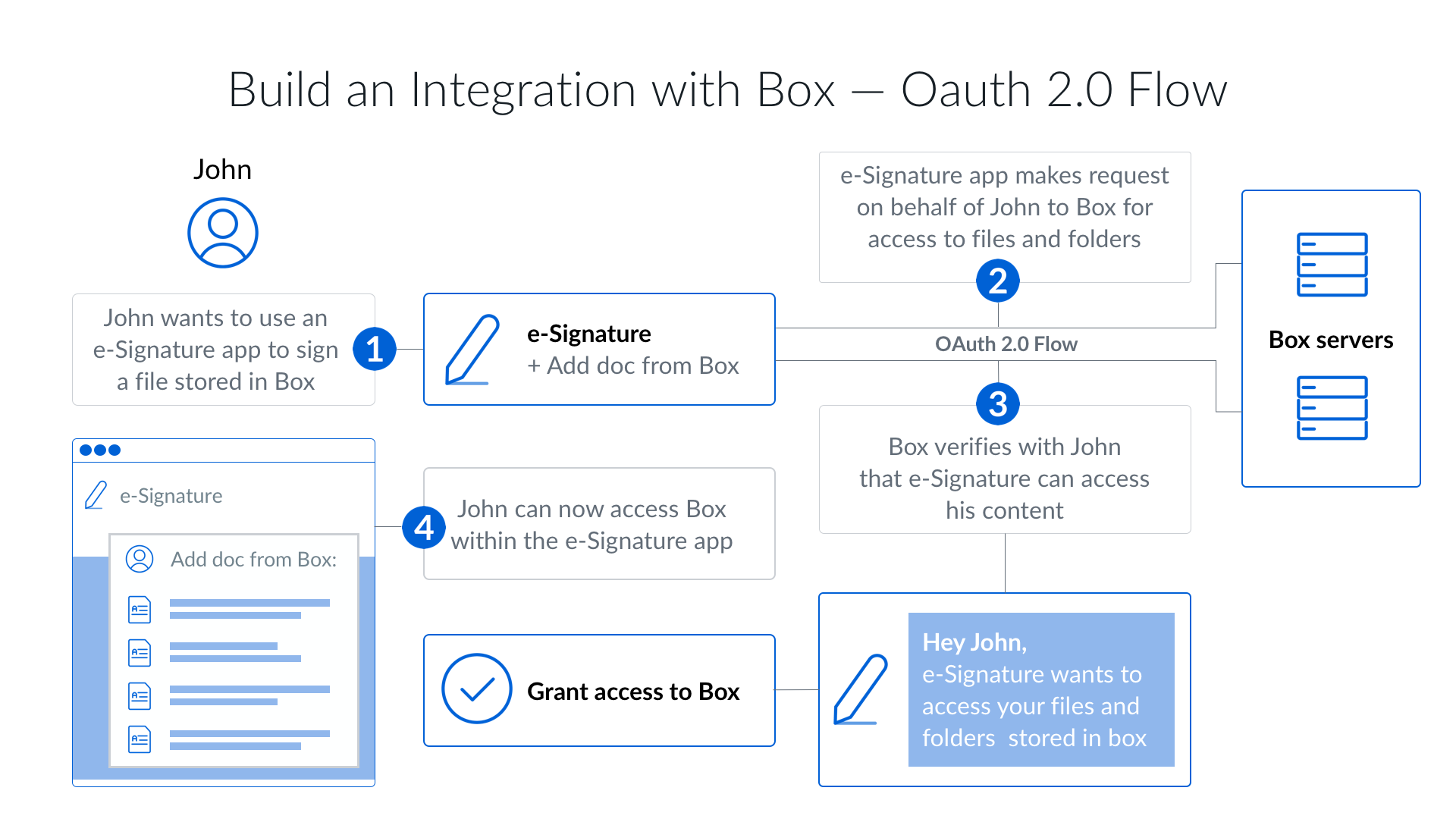
Client-side OAuth 2.0 is one of the easiest ways to authenticate a user for the
Box API. It is an open standard designed to allow users
to provide applications access to their data in other applications.
If you’ve ever logged in to a website with Twitter, Facebook, or Google you’ve
most likely used OAuth 2.0.
How it works
Client-side authentication on Box redirects a user from your application to the
Box web app, where the user logs in and grants your application access to their
data. The flow has four steps:
- Your application builds an authorization URL from its client ID and a
registered redirect URI, and sends the user to it.
- The user logs in to Box and approves the scopes your application asks for.
- Box redirects the user back to your redirect URI with a short-lived
authorization code.
- Your application exchanges that code, along with its client secret, for an
access token and a refresh token.
Because the token belongs to the person who signed in, your application reaches
exactly the content that user owns or collaborates on, and any content it
creates lives in that user’s own account. The
overview compares this
with the server-side methods.
Set up an app with OAuth 2.0
Last modified on September 10, 2026